This tutorial covers all three platforms. Before starting, get your personal config link from support — every parameter lives inside that link.
iPhone / iPad (Shadowrocket)
Step 1: Install
Shadowrocket isn't on the China mainland App Store. Sign in with a US/HK/JP Apple ID, search "Shadowrocket", and buy it (one-time, ~$2.99).
Step 2: Import the Config
Tap the link from support — iOS asks whether to open it in Shadowrocket. Confirm, and the import completes automatically.
If tapping does nothing: copy the full link → open Shadowrocket → "+" top-left → import from clipboard.
Step 3: Connect
Select our node on the home screen → toggle the switch at the top → allow the VPN configuration prompt on first connect.
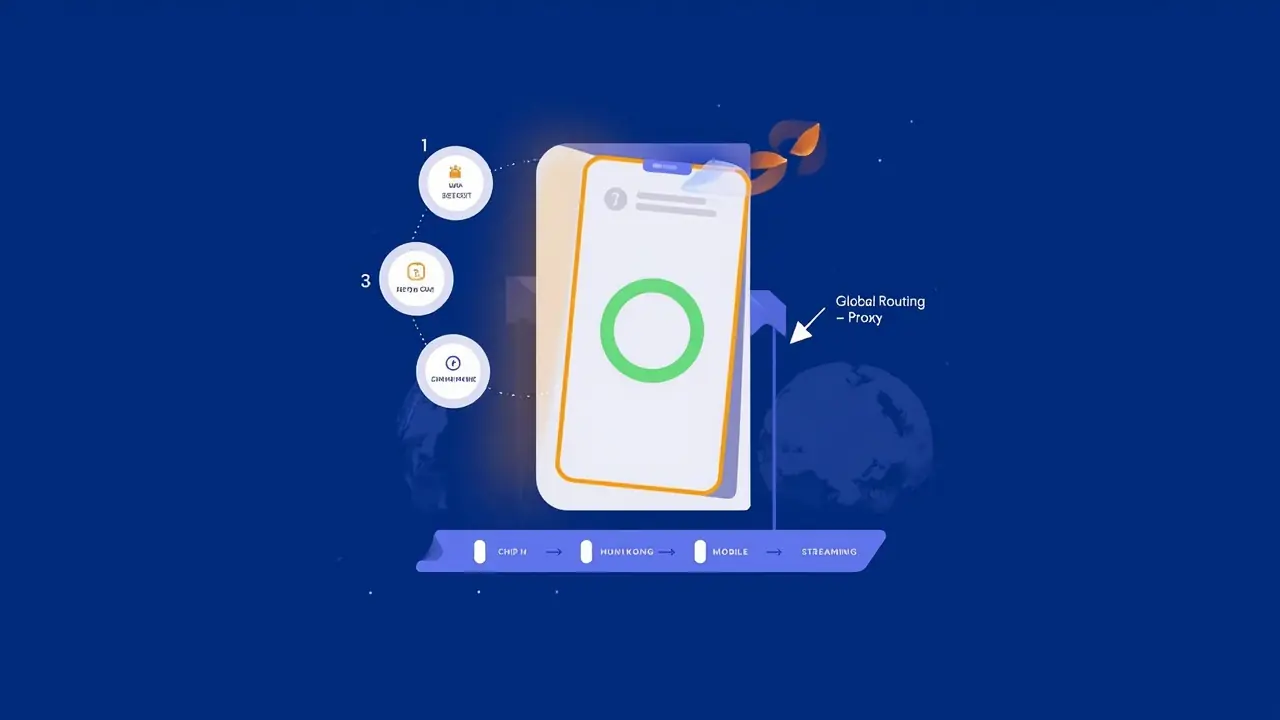
Critical setting: set Global Routing to "Proxy" or "Configuration" in the toolbar. With "Direct" selected, streaming traffic bypasses the node and you'll get the classic "internet works but streaming doesn't."
Step 4: Verify
Play any full episode on SonyLIV; then open Prime Video and confirm you see the Indian catalog.
Android Phone (Karing)
- Install Karing from karing.app or Google Play (Clash Meta clients work equally well)
- Copy your config link and open Karing — it auto-detects the clipboard and offers to import
- On the nodes page select our node, tap the connect button, and allow the VPN request
- Open a streaming app to verify
Android TV Box (Karing TV)
- In the box's browser visit karing.app and download the armeabi-v7a APK (allow unknown sources)
- Boxes lack a clipboard, so import one of two ways:
- Scan the QR code from the phone app to load the same config
- Or open the config link directly in the box's browser
- Select the node, connect, then open the TV streaming app. If an app refuses, the box's browser playing the streaming site works fine too
Won't Connect? Check In This Order
- Disconnect the node and confirm the device itself can reach the internet
- Check a node is actually selected and the connection switch is on
- Check Global Routing is set to "Proxy" mode (the most common iOS issue)
- Fully close and reopen the client, then retry
- Still nothing? Contact support to switch lines — the best route differs by city and carrier
Viewing Tips
- For HD live events, do your first test during evening peak hours, not off-peak
- TV box performance varies wildly; if playback stutters, suspect the box's decoding first, not the line
- Multi-device users should import the config separately on each device to keep routing clean